Free image tools, right in your browser
Drop an image here
one file or many · PNG, JPG, WebP, AVIF, GIF
Select image
Processed on your device. Nothing is uploaded.
Premium
Change the text inside a picture
A picture has no text layer — the letters are pixels. Select any area and the wording is redrawn in the original font, on the original background. Works on documents, photographs and screenshots.
Try the AI editor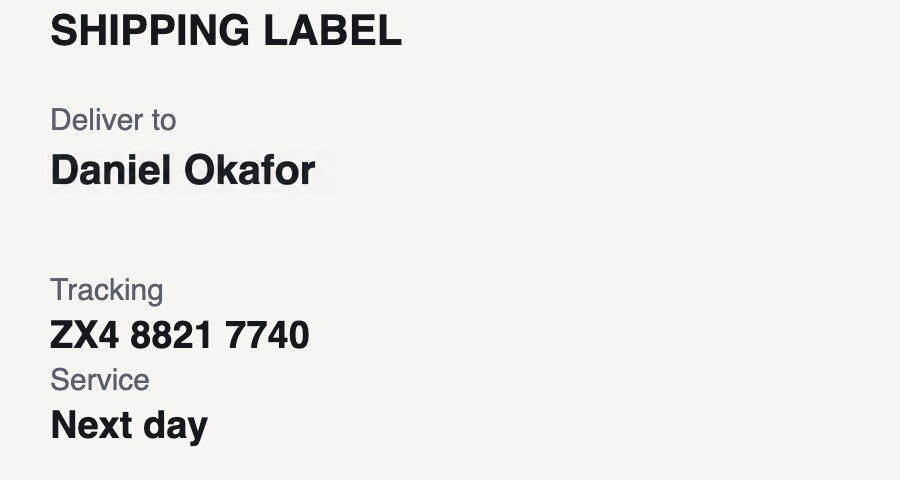
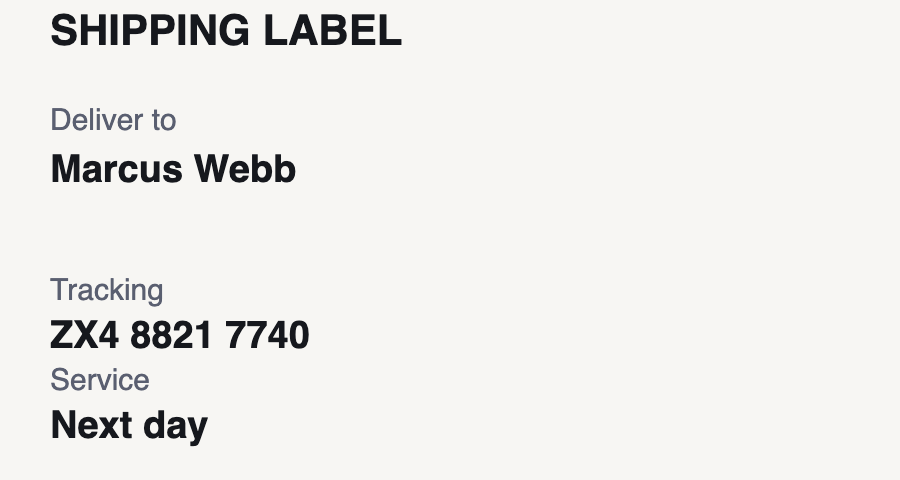
All tools
Crop
Drag a box over the part you want to keep.
Resize
Set an exact width and height in pixels.
Compress
Shrink the file. See the saving before you download.
Rotate
Any angle, with the canvas resized to fit.
Flip
Mirror horizontally, vertically, or both.
PNG to JPG
Smaller files for photos. Pick a background for transparency.
PNG to WebP
The best size-to-quality trade on the web today.
JPG to PNG
Lossless from here on, ready for editing.
WebP to PNG
For software that still refuses WebP.
Flatten
Put a solid colour behind a transparent PNG.
Round corners
Rounded corners with real transparency.
Add border
A clean frame in any colour and thickness.
Black & white
Proper luma weighting, not a flat average.
Blur
Soften the whole image by any radius.
Pixelate
Censor a detail in a way that cannot be undone.
Brightness
Lift a dark photo or pull back a blown-out one.
Watermark
Your text, your opacity, your corner.
Upscale
Enlarge by 2×, 3× or 4× with smooth interpolation.
Favicon
16, 32, 48, 180 or 512 pixels square.
Meme text
Impact, white on black outline, top and bottom.
Circle crop
A round avatar with transparent corners.
Make square
For Instagram, avatars and app icons.
Sharpen
Bring back edge detail with unsharp masking.
Contrast
Punch up a flat photo, or calm a harsh one.
Saturation
Richer colour, or all the way to greyscale.
Sepia
The warm brown of an old photograph.
Invert
Every colour flipped to its opposite.
Transparency
Fade the whole image to any opacity.
Tint
Wash a colour over the ink, not the transparency.
Vignette
Darken the corners to pull the eye inward.
Film grain
Monochrome grain, the way film actually looks.
Threshold
Every pixel to either black or white — no greys.
Posterize
Flatten smooth gradients into flat bands of colour.
Drop shadow
Lift the image off the page.
Polaroid frame
Instant-print border with room for a caption.
AI edit
Change any text in an image.